

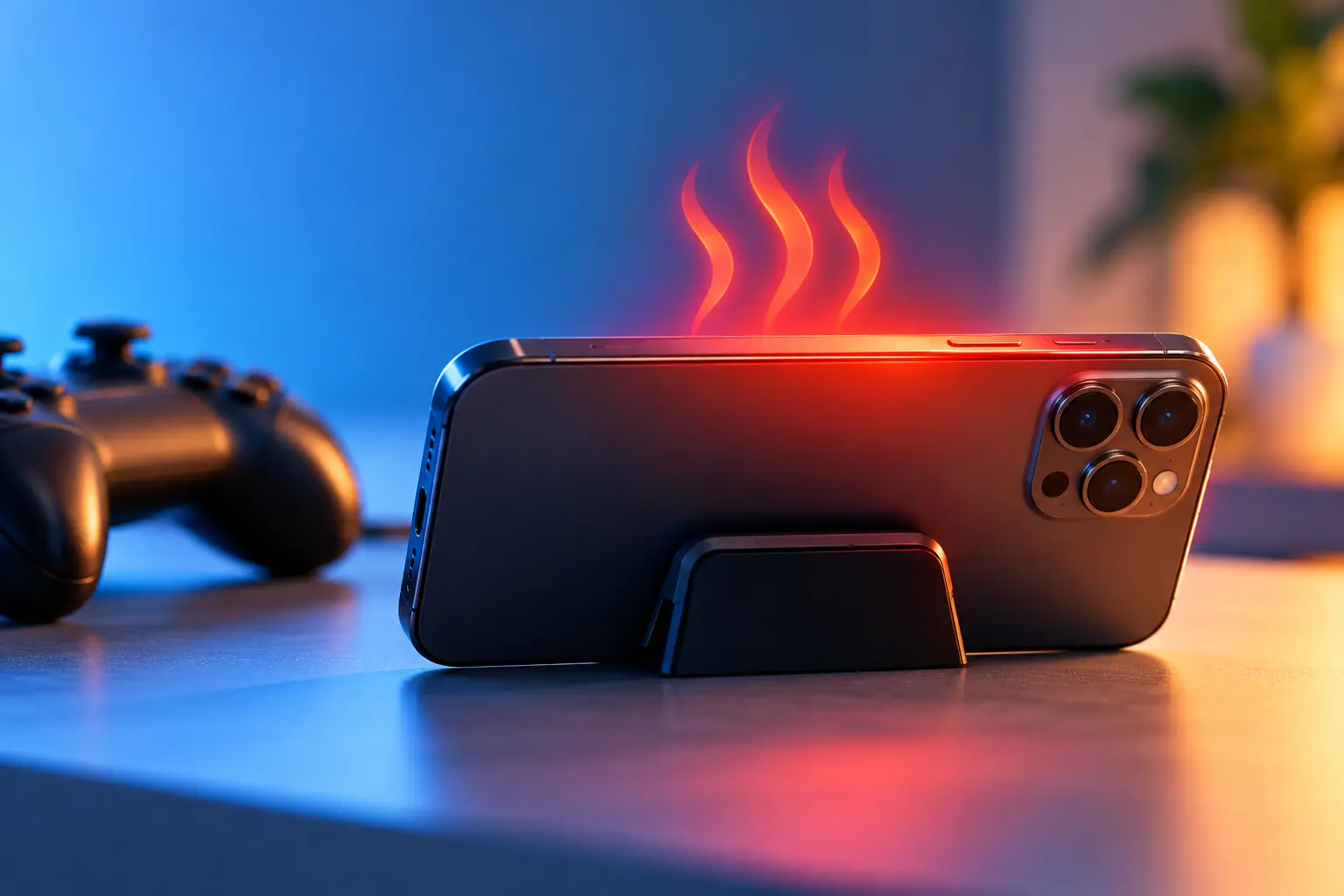
Phone overheating while gaming is normal up to a point. A phone that becomes uncomfortable to hold, drops frames or dims its own screen has gone past that point. The quickest fixes cost nothing: lower the graphics and frame rate, turn down the brightness, take off the case, close background apps and don’t play while the phone charges. For long sessions, a clip-on phone cooler helps on top of that.
Below we explain why phones heat up, go through six fixes in order, list the settings that matter most and explain when heat starts to hurt the battery. This matters more in the UAE than in most places. Apple designs the iPhone for air temperatures up to 35°C, while Dubai’s average daily high stays above that from May to October, according to 1991 to 2020 climate averages for Dubai International Airport.
Key takeaways
- Most of the heat comes from the chipset, screen, modem and battery working hard at once, and most phones have no fan to get rid of it.
- Lowering the frame rate (FPS) and graphics quality is usually one of the most effective changes you can make.
- Apple designs the iPhone for air temperatures of 0°C to 35°C and says heat above 35°C can permanently reduce battery capacity.
- Gaming while charging adds a second source of heat. Unplug, use a slower charger, or turn on bypass charging if your phone has it.
Why Does Your Phone Overheat While Gaming?
A modern mobile game uses almost every part of a phone at the same time. The chipset, which combines the processor and graphics chip on one piece of silicon, runs close to its limit to draw each frame. The screen stays bright and may refresh 120 times a second or more, the modem keeps a constant online connection and the battery drains fast to power it all. All of that work turns into heat.
Most phones have no fan. They spread heat through graphite sheets, copper vapour chambers and the metal or glass body, so it leaves through the surfaces you are holding. That is why, on many phones, you feel it first near the camera bump or over the area where the chip sits. Many of the phones in our guide to the best gaming phones in the UAE have larger vapour chambers, and some add a built-in fan, which helps them hold their frame rate for longer.
When the inside of the phone gets too hot, it protects itself through thermal throttling: it slows the chip on purpose so it makes less heat. Apple’s support page lists what this looks like on an iPhone: charging slows or stops, the display dims, the mobile signal weakens and some apps run at lower frame rates. Samsung’s UAE support page lists gaming, long periods at maximum brightness, weak-signal areas, hot or enclosed spaces and demanding apps used while fast charging among the reasons Galaxy phones heat up.
Where you play matters too. A phone in an air-conditioned room cools down far more easily than one in a parked car or outdoors on a summer afternoon in Dubai, when the air itself is hotter than the phone was designed for. Apple says even storing an iPhone above 45°C is outside its limits, and warns that parked cars can get hotter than that.
How to Cool Down Your Phone While Gaming
The six fixes below run roughly from most to least effective for most players. The first five are free and take a minute or two. Only the last one needs extra hardware.
- Lower graphics and FPS settings.
- Reduce screen brightness.
- Remove the phone case.
- Close background apps.
- Avoid gaming while charging.
- Use a phone cooler.
Start at the top and work down. Most phones settle after the first three changes. After that, you can raise the visual quality one step at a time until you find what your phone can sustain.
1. Lower Graphics and FPS Settings
FPS (frames per second) is how many images the game draws each second. Going from 120 FPS to 60 FPS halves the number of frames the graphics chip has to render, and it is usually one of the most effective ways to cut heat. Graphics quality adds load on top of that: shadows, textures, anti-aliasing and effects all cost power, and so does a high render resolution.
In competitive shooters, a sensible middle ground is a steady frame rate with graphics set to “Smooth” or “Balanced”. If you want 90 or 120 FPS in PUBG Mobile, only some phones can hold it without heavy throttling. Our guide to the best phone for PUBG Mobile compares ten phones on frame rate, cooling and price in AED. If your phone has a performance profile, pick a balanced option rather than the maximum. On Galaxy phones, for example, Samsung’s Light mode in Device care lowers the processor’s top speed to reduce heat.
2. Reduce Screen Brightness
The screen is one of the biggest power users in any phone, and more power means more heat. Samsung names long periods at maximum brightness as a cause of heating. Indoors you rarely need full brightness to play, and a comfortable middle setting lowers the load straight away.
If auto-brightness keeps pushing the screen to maximum in a bright room, turn it off while you play. For slower games such as puzzles, card games or strategy titles, dropping the refresh rate to 60Hz or 90Hz saves more power, and you will barely see the difference. Dark menus help a little on OLED screens, because black pixels are switched off and use very little power.
3. Remove the Phone Case
A thick case acts like insulation and traps heat against the back of the phone, right where the chipset needs to lose it. Apple advises taking a device out of certain cases if it gets hot while charging, because the case can hold in extra heat that affects battery capacity. A long, demanding game works the same way.
You don’t need to give up the case for good. Taking it off while you play, or using a thin case with some ventilation, is usually enough. Thick or leather cases tend to trap more heat.
4. Close Background Apps
Apps working in the background, such as photo backups, app updates, video streaming, navigation or a mobile hotspot, compete with the game for processor time and add heat. Samsung lists long hotspot or tethering use, file transfers and data restoration among the common causes.
Before you start, close apps you don’t need, pause big downloads and turn off the hotspot. On Galaxy phones, Optimise now in Device care cuts background activity in one tap, and many Android game launchers have a similar option. On iPhone, pausing iCloud photo uploads and large App Store updates helps. Play on strong Wi-Fi rather than a weak mobile signal when you can, because a modem searching for signal works harder and runs hotter.
5. Avoid Gaming While Charging
Charging makes heat on its own, especially fast charging. Playing at the same time puts two heat sources in one small space, which makes it one of the most common causes of phone overheating while gaming. Samsung lists demanding apps used while fast charging as a cause of heating and advises unplugging the phone if it feels hot.
If you have to play while plugged in, use a slower standard charger, take the case off and keep the phone out of direct sunlight. Some gaming phones offer bypass charging, which powers the phone straight from the charger instead of charging the battery the whole time. Samsung’s version is called Pause USB Power Delivery and sits in Game Booster on supported Galaxy models. According to Samsung UAE, it needs a 25W or faster PPS charger and at least 20% battery.
6. Use a Phone Cooler
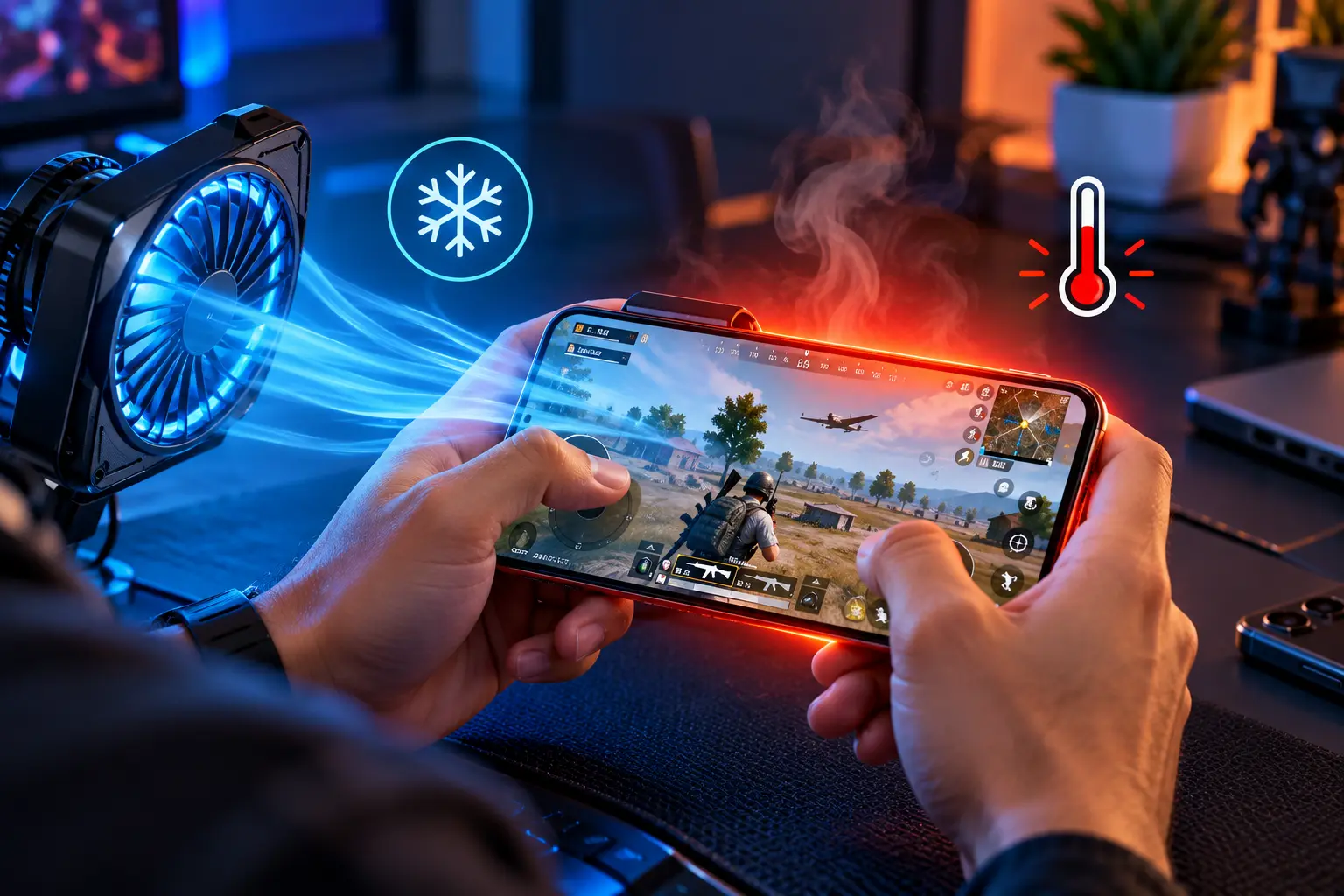
A phone cooler is a small unit that clips onto the back of the phone. Some use a thermoelectric (Peltier) plate that pulls heat out of the back of the phone while a fan blows it away. Cheaper fan-only models just move air across the surface. It is the only fix on this list that removes heat instead of making less of it, so it suits long or competitive sessions.
Coolers need their own power, usually over USB-C or from a power bank, and the clamp can cover a camera or clash with a case. Whether one is worth buying depends on how you play, which we cover further down.
Best Settings to Reduce Phone Heat While Gaming
The table puts the main settings in one place. Menu names differ between games and phone brands, but the same options appear in almost every game, from PUBG Mobile and Call of Duty: Mobile to Genshin Impact.
| Setting | Recommended for less heat | Why it helps |
|---|---|---|
| Frame rate (FPS) | 60 FPS as a starting point (90 on dedicated gaming phones) | Fewer frames per second means less work for the graphics chip |
| Graphics quality | Smooth or Balanced | Shadows, textures and effects add heavy load |
| Resolution / render scale | Lower or HD | Fewer pixels to draw in every frame |
| Screen refresh rate | 60 to 90Hz for casual games | Lighter load on the display and chipset |
| Brightness | Mid-level, auto-brightness off | The display is a major power draw |
| Performance mode | Balanced or Light, not maximum | Caps chip speed so heat builds more slowly |
| Connection | Strong Wi-Fi over weak mobile data | The modem works less hard |
| Charging | Unplugged, or bypass charging | Removes a second heat source |
| Background apps | Closed, with downloads paused | Frees the processor for the game |
If you only change two things, choose frame rate and graphics quality, because they are usually among the most effective settings. Once you see how your phone copes, raise the visual quality one step at a time.
Cloud gaming is another way around the problem. The game runs on a remote server and your phone plays it as a video stream, so the chip usually works less hard, although the screen and Wi-Fi stay busy. Our guide to cloud gaming in the UAE covers the services you can use here.
How Hot Is Too Hot for a Gaming Phone?
There is no single number for every phone. Manufacturers measure chip and battery temperatures in different ways and rarely publish limits. The clearest official figure is for the air around the phone. Apple designs the iPhone and iPad for air temperatures of 0°C to 35°C, says 16°C to 22°C is ideal and warns that air temperatures above 35°C can permanently damage battery capacity.
In daily use, warning signs tell you more than a thermometer. Treat your phone as too hot if any of these happen:
- It is uncomfortable to hold for more than a few seconds.
- The screen dims on its own or the frame rate drops sharply mid-match.
- Charging slows down or stops while the phone is plugged in.
- A temperature warning appears, or the system closes the game.
Some warmth under load is normal. It becomes a problem when these signs appear. The most serious stage on an iPhone is a full-screen temperature warning, and Apple then advises turning the phone off and moving it somewhere cooler. Android phones show their own heat alerts and may limit charging or close apps. In Dubai, the average daily high stays above 35°C from May to October and reaches about 42°C in August, so avoid gaming in a parked car, on the beach or on a balcony in those months.
Can Gaming While Charging Damage Your Phone?
Doing it now and then is unlikely to cause harm. Phones have built-in protection that slows or pauses charging when the battery gets too warm, and Samsung says these features can switch on automatically as the temperature rises. The real risk is heat repeated over months. Lithium-ion batteries wear faster when they are often kept hot, and Apple says charging in high temperatures can damage battery capacity further.
Hour-long sessions on a fast charger, inside a case, in a warm room are likely to shorten battery life over time. You will notice it as a lower maximum capacity and less play time per charge. If battery life matters for your next phone, our Samsung vs Redmi battery life comparison explains how capacity and charging speed work out in daily use.
Safer habits are simple: start with a charged battery, use a standard charger if you have to plug in, use bypass charging where you have it, and stick to genuine or certified chargers and cables. Samsung lists damaged or non-genuine chargers and cables among the causes of heating.
Do Phone Coolers Really Work?
Yes, within limits. A thermoelectric cooler draws heat straight out of the back of the phone, which can delay throttling and help the phone hold a higher frame rate for longer. Fan-only models usually help less, but are still better than none. How much difference you notice depends on where the chipset sits inside your phone and how well the cooler’s plate lines up with it.
Some gaming phones build cooling in. RedMagic puts a fan inside its phones, while ASUS sells the clip-on AeroActive Cooler for the ROG Phone. Our RedMagic vs ROG Phone comparison looks at how the two approaches differ.
There are downsides. Coolers need power and add bulk and some fan noise. Any cooler that chills the phone well below room temperature also carries a general risk of condensation in humid air. Because coastal UAE summers are humid, pick a model with adjustable power. Most casual players don’t need a cooler, but if you play ranked matches for an hour or more, or stream your games, you may notice the difference.
How to Prevent Your Phone Getting Hot During Long Gaming Sessions
Heat builds up most in long sessions. These habits help most when you play for hours:
- Start with a full battery and play unplugged whenever you can.
- Set FPS, graphics and brightness before you start, not after the phone is already hot.
- Play in an air-conditioned room, away from direct sunlight, windows and car dashboards.
- Take the case off and keep the phone off soft surfaces such as beds and sofas, which trap heat.
- It is a good idea to take a short break every hour or so to let the chipset and battery cool.
- Keep the game and your phone’s software updated, as updates often include performance fixes.
- Use a phone cooler for ranked or streamed sessions.
- Never cool a phone in a fridge or freezer, as sudden cold can cause condensation inside.
None of these is hard on its own, and three or four together usually do more than any one of them.
When Should You Stop Gaming and Let Your Phone Cool Down?
Stop right away if a temperature warning appears, the screen dims, the game closes on its own or the phone is too hot to hold comfortably. Those are the phone’s own protections kicking in, and playing on only puts more stress on the battery.
To cool it safely, exit the game, unplug the charger, remove the case and put the phone on a hard surface in a cool, shaded room. Apple advises turning an iPhone off and moving it somewhere cooler when its temperature warning appears. Don’t use a fridge, freezer or ice pack.
If the phone gets hot during light use or while idle, or the battery looks swollen, that points to a hardware or battery fault rather than normal gaming heat, and an authorised service centre should check it. Galaxy owners can also run Phone Diagnostics in the Samsung Members app to check the battery. If heat cuts every session short, a gaming phone with stronger cooling may be the long-term answer. If you mostly play at home, a gaming laptop may suit you better, as our gaming laptop vs gaming phone comparison explains.
Frequently Asked Questions
Why does my phone get hot when I play games?
Games push the chipset, screen, modem and battery hard at the same time, and most phones have no fan, so the heat leaves through the body. A bright screen, a high frame rate, a thick case and charging while you play all add to it.
Is it normal for a phone to get warm while gaming?
Yes. Some warmth under load is normal. It becomes a problem when the phone is uncomfortable to hold, the screen dims on its own, the frame rate drops sharply, charging stops or a temperature warning appears.
Is it bad to play games while charging?
Now and then it is unlikely to cause harm, because phones slow or pause charging when the battery gets too warm. Doing it often, especially on a fast charger with a case on, adds heat that can wear the battery faster over time. Unplug, use a standard charger or turn on bypass charging if your phone has it.
Which settings reduce phone heat the most while gaming?
Lowering the frame rate and graphics quality is usually one of the most effective changes. Lower brightness, a balanced performance mode, closed background apps and playing unplugged also help.
Can I put my phone in the fridge to cool it down?
No. Sudden cold can cause condensation inside the phone. Exit the game, unplug it, take off the case and leave it on a hard surface in a cool, shaded room. If an iPhone shows a temperature warning, Apple advises turning it off and moving it somewhere cooler.
For more phone and gadget guides, visit our Technology section.